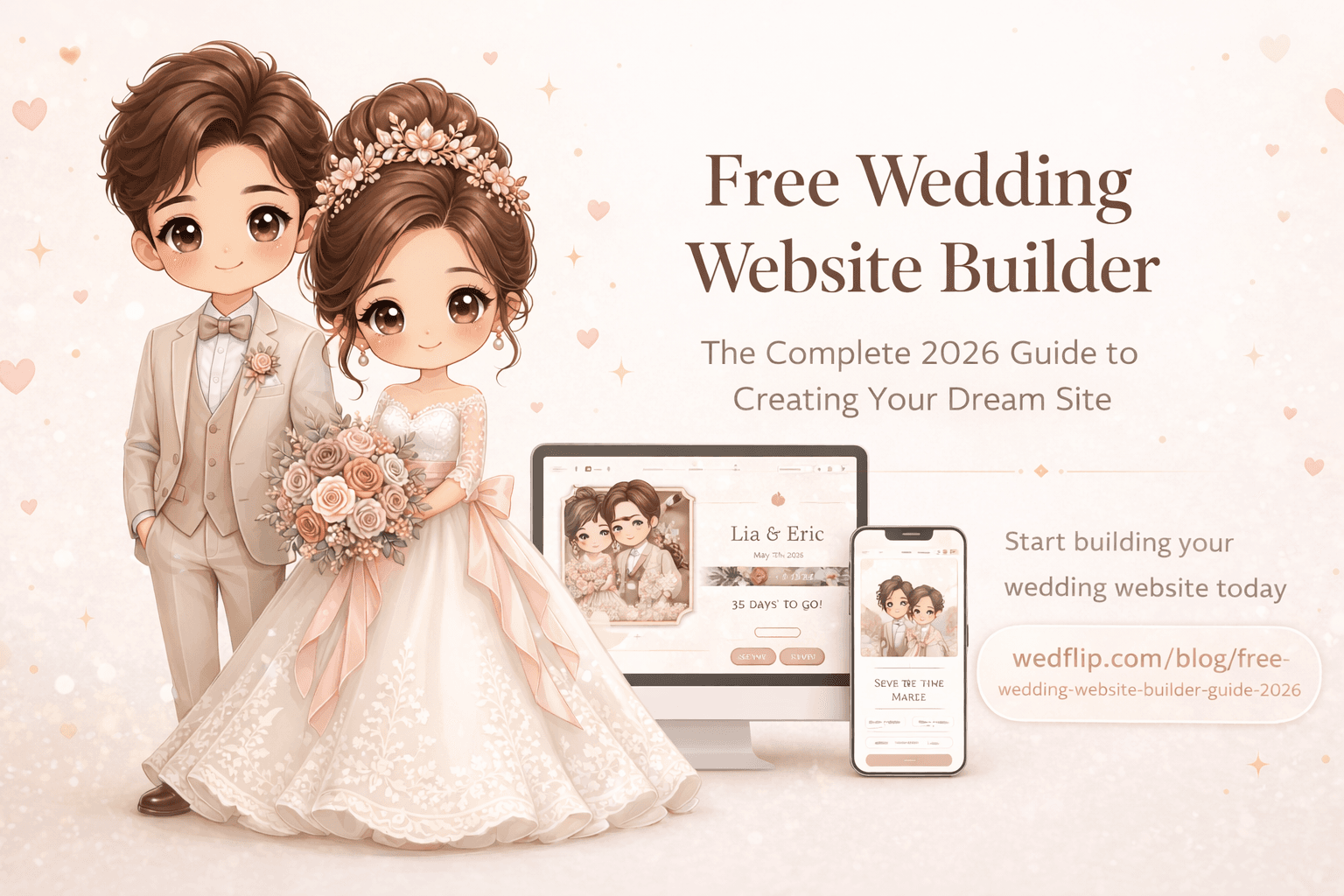
You do not need a web designer, or hundreds of dollars, to give your guests a good wedding website. A template-based builder gets you there in an evening. Here is what to look for, what "free" really means on each kind of platform, and how to build yours step by step.
Why Every Couple Needs a Wedding Website in 2026
A wedding website isn't a nice extra any more; it is where guests go for every answer. Here's what it replaces:
- Hunting for the paper invitation to check the time or the address
- Group text threads that become unmanageable past 20 people
- Spreadsheet RSVP tracking that breaks when your aunt replies "maybe ❤️"
- Repeated phone calls answering the same five questions about parking, dress code, and registry links
A wedding website puts everything in one place. Guests visit once, find every answer, RSVP in a minute, and stop calling to ask "what time does it start?"
What "Free" Means on Each Kind of Platform
Free wedding websites come in two kinds, and it helps to know which one you are signing up for.
- Free forever. The big wedding platforms keep your site free for good because they earn elsewhere, mostly from registries and from connecting you with vendors. Expect the site to sit alongside a registry and planning tools that the platform would like you to use.
- Free to start. Independent builders, Wedflip included, let you build and share the site free for a set time, then charge to keep it online. On Wedflip that is 30 days free with no credit card, then a one-time $15 (online for a year) or $29 (online for good). There is no subscription, registry or vendor marketplace.
Neither model is wrong. Pick the one whose trade-off you prefer, and read the plan page before you invite 150 people to the link.
What to Look For in a Wedding Website Builder
Before you choose a platform, check these five things:
1. A Memorable Address
Your website should live somewhere easy to type: linh-and-david.wedflip.com, or your own domain if the platform supports one. If the only option is a long, unmemorable URL, guests will struggle to find it again.
2. RSVP Management
This is the entire point. Your RSVP system should:
- Support plus-ones
- Allow dietary restriction notes
- Track responses in real time
- Let you export the guest list (on some platforms this is a paid feature)
3. Mobile-First Design
Most guests will open your website on their phone, usually from a text or a QR code. If the templates don't look right on a small screen, none of the other features matter.
4. Multilingual Support
If your family and friends speak different languages, look for a builder that shows your site in more than one language without making you build two separate sites.
5. Clear Limits
Read what each plan includes before you start. The usual limits on free tiers are:
- How long the site stays online
- Platform branding on your pages
- The number of photos you can upload
- Whether you can use your own domain or a password
How to Build Your Wedding Website in an Evening
Here's the actual process, step by step. Prefer to watch first? This 3-minute walkthrough builds a real site from a blank page to a live link:
Step 1: Choose Your Template
Browse templates by style — romantic, modern, elegant, or rustic. Pick the one that matches your wedding. Don't overthink this; on most builders you can switch later.
Pro tip: Look at the mobile preview first. If it looks good on a phone screen, it'll look good everywhere.
Step 2: Add Your Details
Fill in the basics:
- Your names and wedding date
- Venue name and address
- Ceremony and reception times
- A short welcome message
You don't need to write paragraphs — a sentence or two is enough.
Step 3: Set Up RSVP
Configure your RSVP form:
- Set the RSVP deadline (2–3 weeks before the wedding is common)
- Add a plus-one option if applicable
- Include dietary restriction fields
- Add any question your caterer or venue needs answered
Step 4: Add Photos and Details
Upload 3–5 of your best photos. Don't overdo it — guests want information, not a gallery of 200 images. Add sections for:
- Travel and accommodation info
- Registry links
- FAQ (parking, dress code, kids policy)
Step 5: Share Your Link
Copy your website URL and add it to:
- Your printed invitations (a QR code is easiest for guests)
- Your email or text save-the-dates
- Your social media profiles
Total cost to get started: $0. Check what your plan costs to keep the site online until after the wedding.
Which Template Style to Choose
The right template is the one that makes your date, venue and RSVP button easy to find, in a style that matches the day:
- Minimalist — clean and uncluttered, so nothing competes with the RSVP button
- Photo-forward — large images up top; best if you have engagement photos you love
- Romantic or rustic — warm colors and organic shapes for garden, vineyard and outdoor weddings
For examples of each style you can open and try, see our guide to the best wedding website templates for every style.
Common Mistakes to Avoid
Mistake 1: Too Much Text
Your guests need three things: when, where, and how to RSVP. Everything else is optional. Keep sections short and scannable.
Mistake 2: Forgetting Mobile Optimization
Test your website on your phone before sharing it. If you have to zoom or scroll sideways, switch templates.
Mistake 3: Broken RSVP Links
Test your RSVP flow yourself. Fill it out as a guest. Make sure the confirmation works and the response appears in your dashboard.
Mistake 4: Sharing Too Late
Send your wedding website link at least 8–12 weeks before the wedding. Guests need time to plan travel and accommodations.
Mistake 5: Not Setting an RSVP Deadline
Without a deadline, plenty of guests simply never reply. Set a clear date and put it somewhere prominent on the website.
The Bottom Line
You don't need to spend hundreds of dollars on a wedding website. A good template, your details, an RSVP form and a link on your invitations cover what guests need, and you can build all of it in an evening.
The couples who are happiest with their wedding websites are the ones who kept it simple, shared it early, and made the RSVP effortless for their guests.
Ready to Build Yours?
Wedflip has 160+ wedding website templates with RSVP tracking and English, Vietnamese and French versions. Build yours free for 30 days, no credit card; keep it with a one-time $15 or $29.